Presentation Design
showing work in the best light
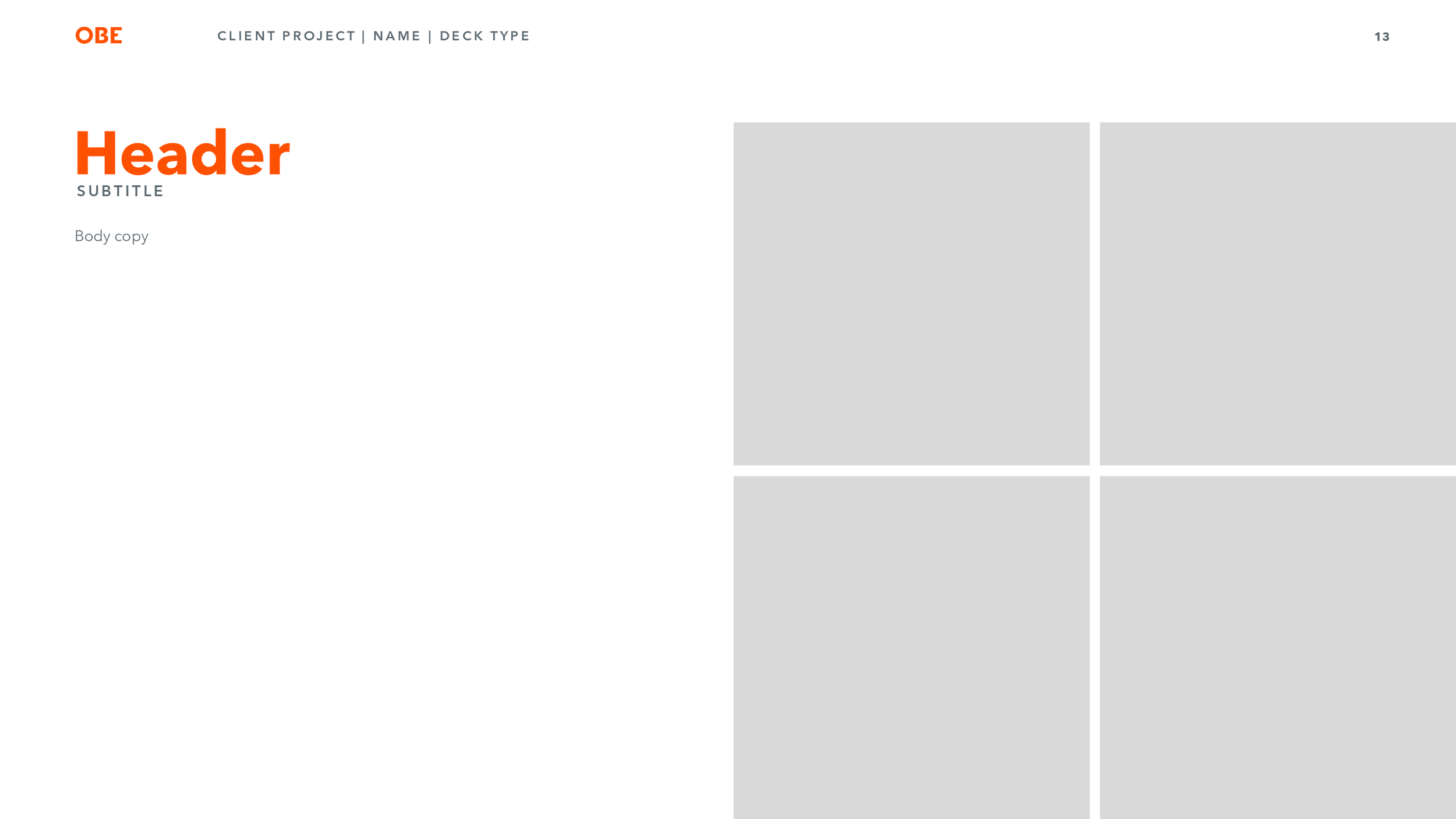
Decks are essential for showing ideas, collateral and other information in a concise and organized way. Templates make it easy for designers and non-designers to collaborate and present their ideas in a professional manner. Here are some examples of templates and designed decks created in multiple platforms such as Figma, Keynote and Powerpoint.
© OBE
internal team figma demonstration
Internally our design team was tasked to do a skill-share. Everyone worked with one other partner, each team creating their own informational presentation. Our assignment was to teach the team more about Figma and it’s capabilities. We ran through this presentation first and then had a breakout session afterwards to follow along and use the tools we had gone over. I helped to create the videos and design the motion for the interactive elements as well as pop-ups and other information. The presentation was created in Figma and was prototyped to be as informational and concise as possible.
Designers: Ashley Frohlking, Melissa Poe
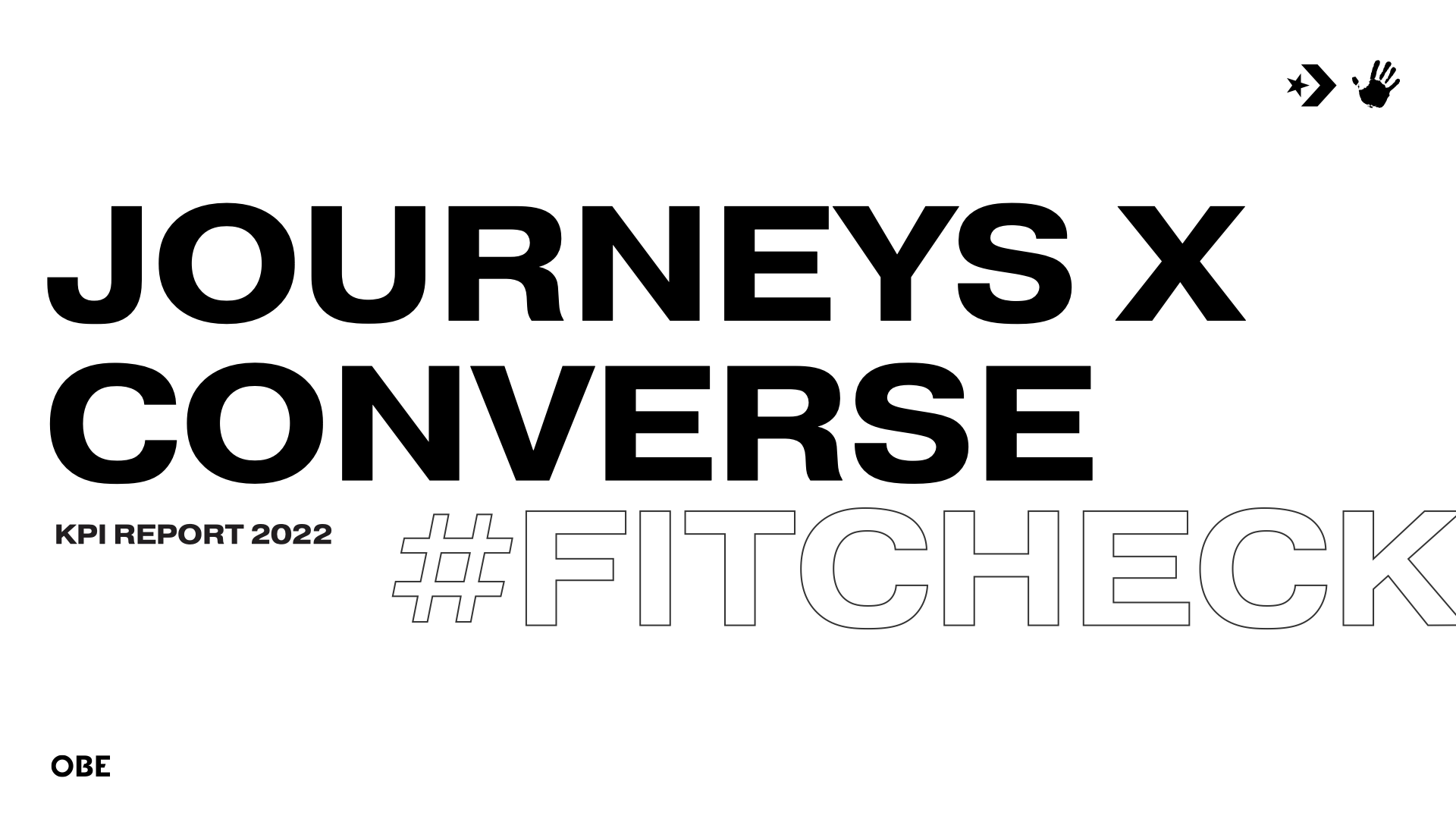
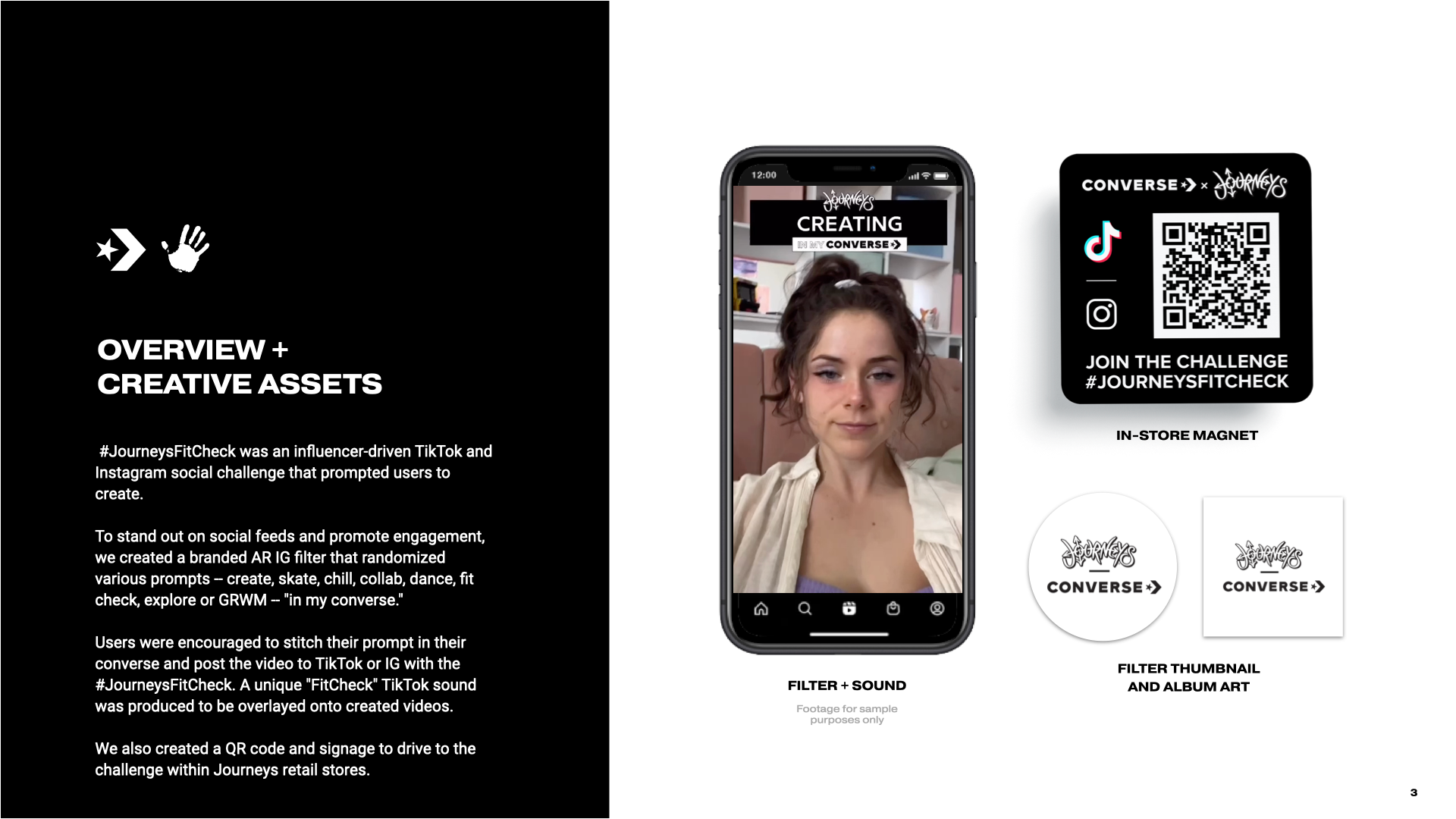
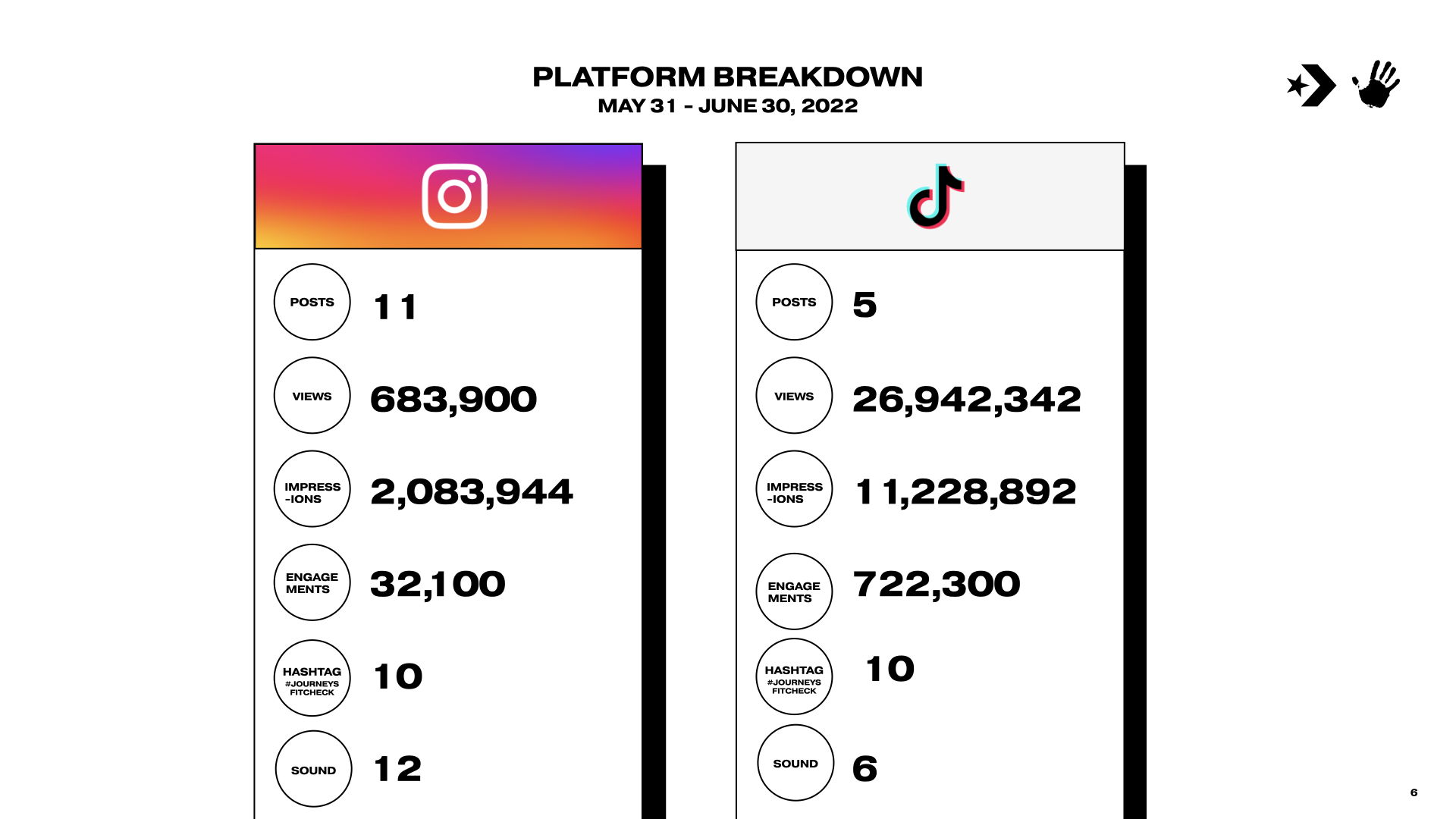
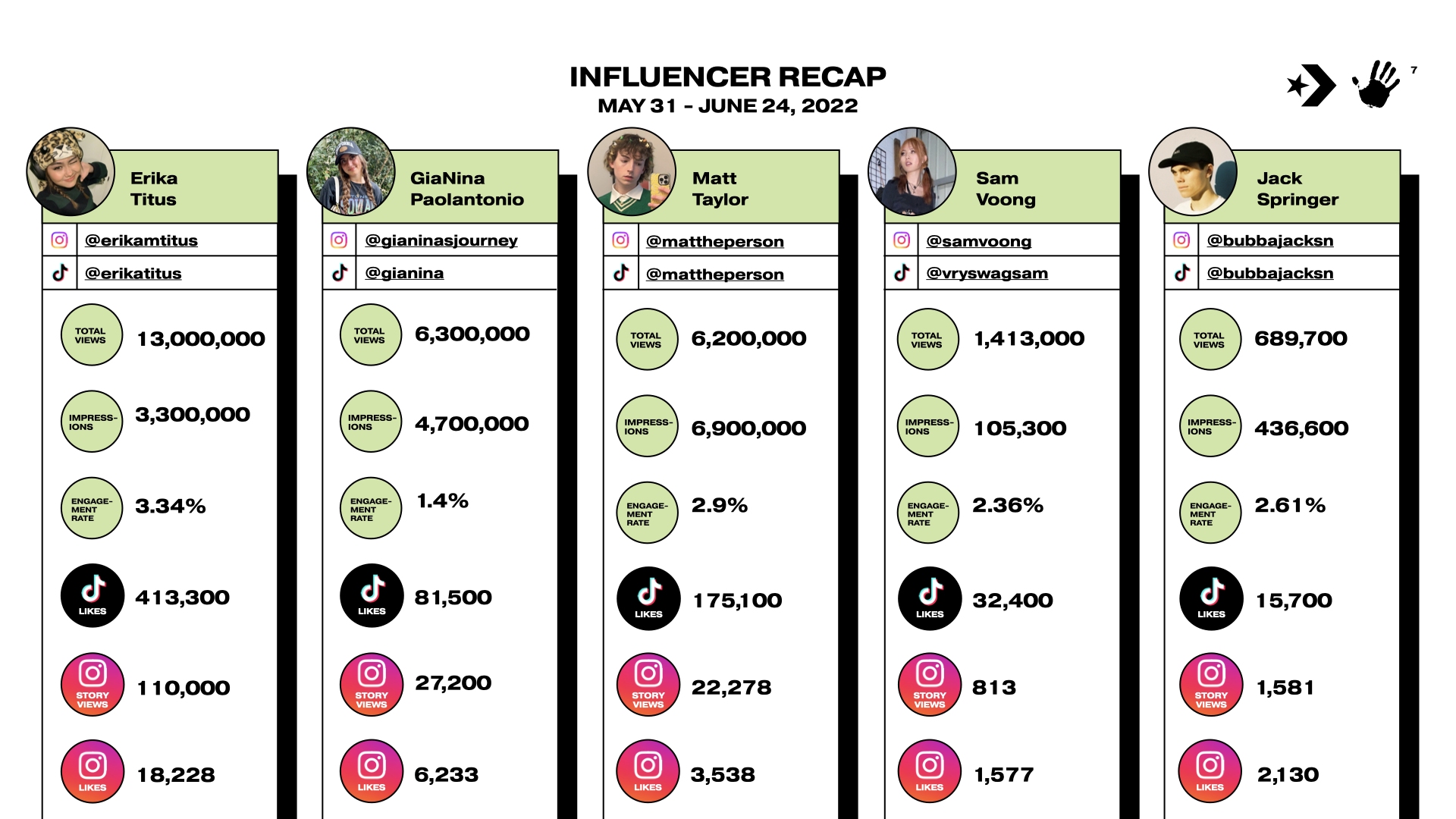
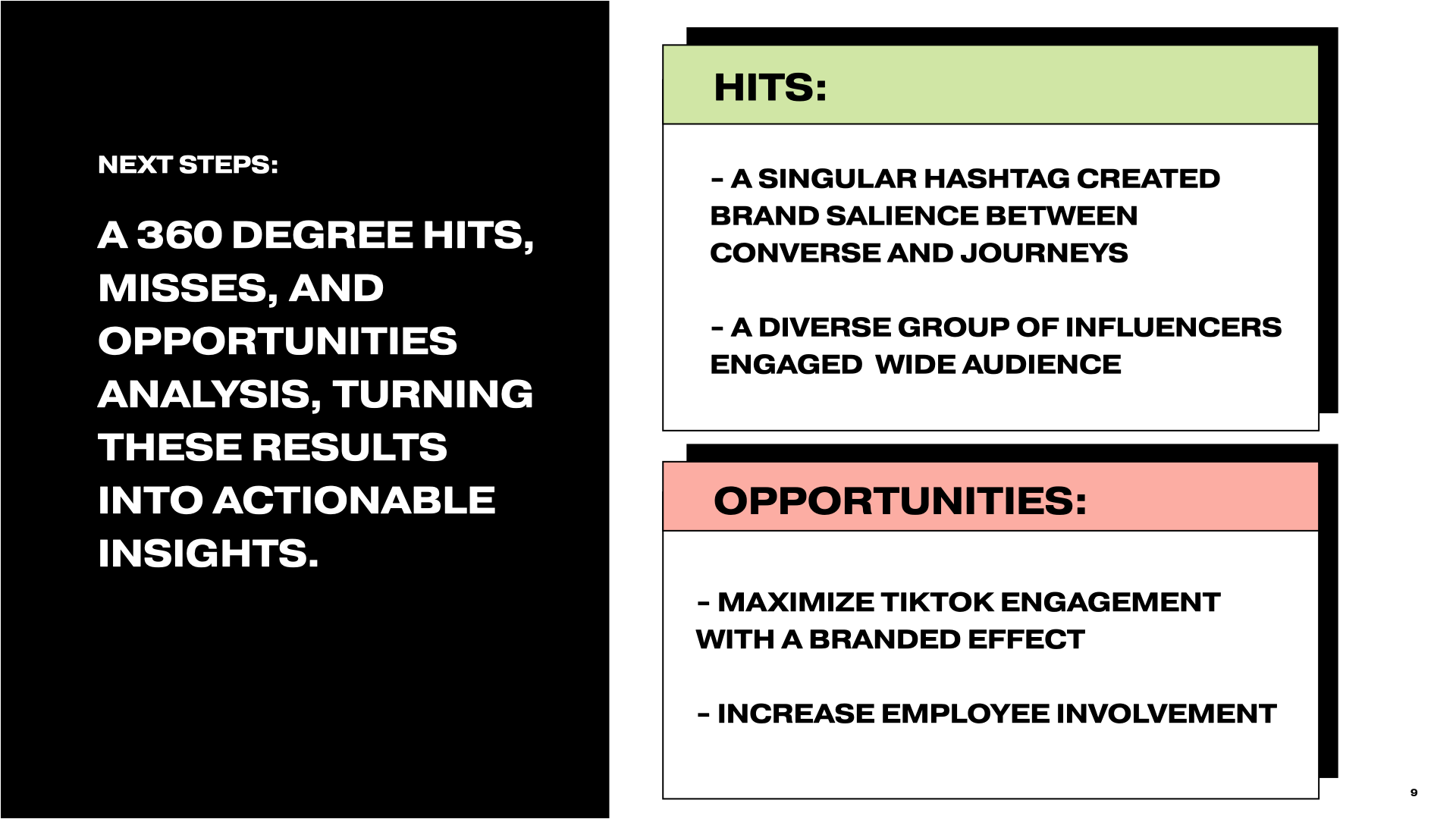
CONVERSE KPI DECK
We needed to create a recap deck that showed the KPI’s from a social media campaign.
Designer: Ashley Frohlking
Creative Strategist: Allie Weiner



INTERNAL OBE DECK
This multi-purpose template was created for internal use for things such as all-hands meetings or other internal needs. One challenge of creating these decks is that they need to be in powerpoint and keynote format. There are certain technical steps you must take to create a powerpoint template that works across all computers including those without the fonts installed. This also includes setting up all master slides and placeholder text/images. Here are a few pages from the deck.
Designer: Ashley Frohlking, Liana Mancher and other members of the team who touched its design as well.